Blizzard wrote:HOTFIX 1 - March 10, 2026 - 3.1.1.4
Bug Fixes
- Fixed an issue that was causing the player’s Chronicle to reset when identifying unique items dropped from weapon/armor racks. This applies to both online and offline games.
- Fixed issue with the Colossal Jewel not dropping after the Uber Ancients fight if a player enters and exits the portal during the fight in offline games.
- Various stability updates.
21
replies
2242 views
Description
https://us.forums.blizzard.com/en/d2r/t ... 114/173872
Description by Blizzard wrote:HOTFIX 1 - March 10, 2026 - 3.1.1.4
Bug Fixes
- Fixed an issue that was causing the player’s Chronicle to reset when identifying unique items dropped from weapon/armor racks. This applies to both online and offline games.
- Fixed issue with the Colossal Jewel not dropping after the Uber Ancients fight if a player enters and exits the portal during the fight in offline games.
- Various stability updates.
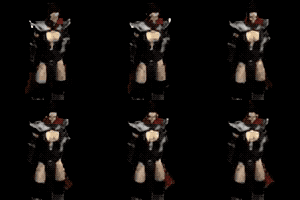
 Knappogue
Can be used to make Runewords:





















Similar pages
-
-
-
-
Trapsin bug fixed!!!!
by » » in Forums
-
-
-






Advertisment
 Hide ads
Greetings stranger!
You don't appear to be logged in...
99
Who is online
Users browsing Forums:  Blubbalutsch,
  D2kylin,
  Dolittletoomuch,
  ElProfessorNicolay,
  Fall,
Fall,  ganseng,
  Google Feedfetcher,
  HaveANiceDay,
  kastle,
  krathkor,
  loadbearingposter,
  mikelessar,
  Myrana,
  PhantomK9,
  Schnorki,
  Semirotta, ShadowHeart,
  Shakonator,
  Taardad,
  Tiamat and 455 guests.
No matches


Knappogue
2911